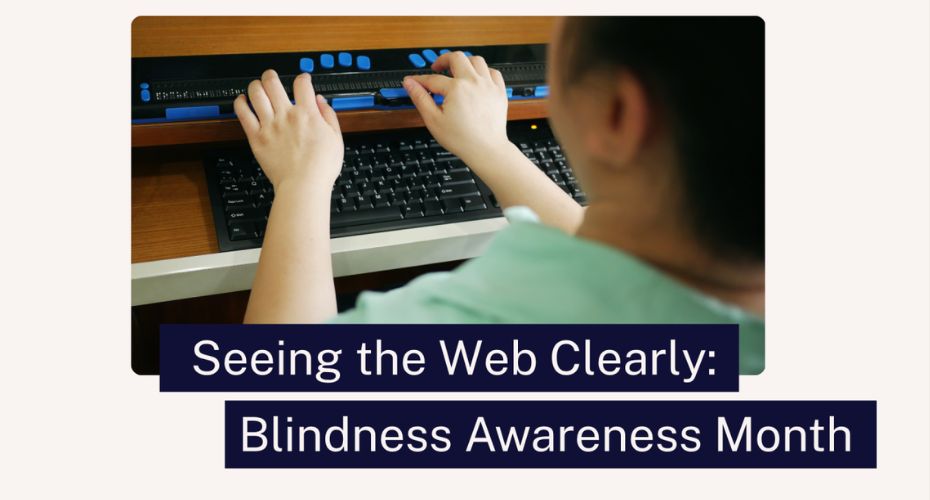
For people who are blind, online information opens up the world. But even today, 40 years after the internet was invented, so many websites still fall short when it comes to accessibility.
Instead of just sharing my thoughts, Thomas – a member of the Shaw Trust team who’s also a screen reader user – has chipped in. He talks through a big accessibility issue: headings, and why they matter.
Why headings are important
Imagine picking up a book with no chapters or contents page. That’s exactly what it’s like for screen reader users when websites don’t have proper headings. Visually, headings help to structure the text, making it easy to read, understand and navigate. If they aren’t used, it can be a confusing and frustrating experience – even more so when you’re listening to a screen reader.
How to get headings right
Web pages are coded with ‘tags’ to tell browsers (like Google Chrome) how to display links, text, graphics and other information.
Thomas explains how this works for headers:
- The main title for the whole page should be Heading 1 (using the tag H1), and should only be used once.
- The subheading would be H2. These help to break up the content into smaller chunks.
- Sub-sections would then be H3. These give more depth to your text.
- For other sections, the hierarchy carries on, but generally stops at H6.
Because some headings often look a bit big, a developer might change the tag to make it appear smaller – causing readability issues. The fix is simple: reduce the font size while keeping the tag at the right level.
Other things to think about
Thomas says that getting things right isn’t just an accessibility issue. It’s better for search engines, too.
Browsers check your content for heading tags, and use them to understand the structure and hierarchy of your webpage. This helps them work out where to place your website on the search results page and what to display alongside it. If the tags aren’t done correctly, the browser might list your page lower down in the results, meaning fewer people find it.
It might take longer to set up proper headings, but as Thomas says, it makes things so much easier and more accessible. By using the right tags on your headers, you’re helping even more people read and understand your content – and that can only be a good thing!
Find out if your website is accessible and book your FREE snapshot today.
Written in partnership with Thomas Harrison, Shaw Trust Accessibility Services