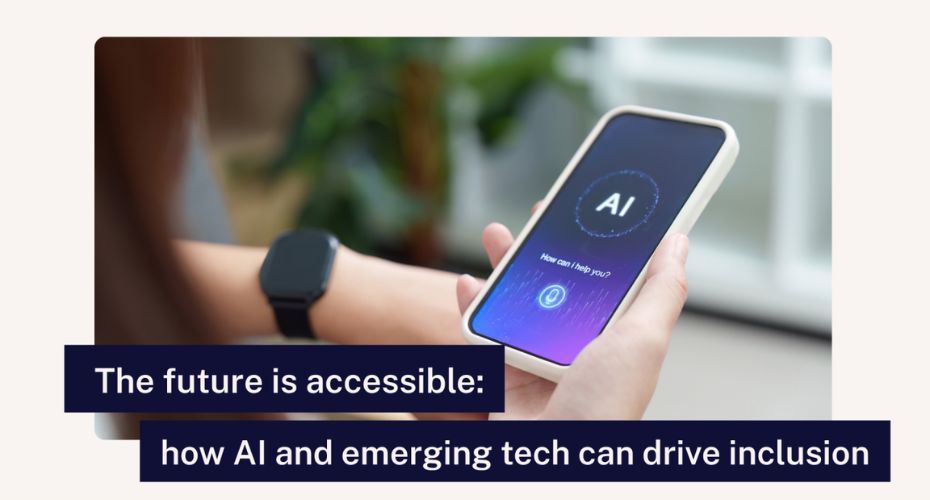
Artificial intelligence. As a person with a visual impairment, I’m constantly amazed by how many more things I can now do independently because of it. It doesn’t matter who you are or what your abilities may be, AI can enhance accessibility for everyone.
There’s also a warning worth keeping in mind: relying solely on AI can sometimes create new problems. Like any tool, it has strengths and limitations, and can sometimes be unreliable. That’s why it’s important to use AI thoughtfully, and check what it produces.
In this blog, I’ll explore five ways AI supports accessibility and inclusion – and some of its drawbacks.
1. Predictive text
At first, predictive text – when your phone tries to guess the next word you’re typing – was a novelty. Then it became a genuine accessibility aid, speeding up communication for many people with impairments, whether motor, neurological, cognitive, or visual.
But it doesn’t always get things right. We’ve all sent messages where predictive text has corrected a word, only to completely change the meaning of a sentence. While this often creates comedy gold, it can also risk causing confusion.
2. Spell check
Spell check has also evolved. These days, not only does it suggest the correct word, but it also provides a short definition. This helps people who struggle to distinguish between words that sound similar – a small change with a big accessibility impact.
However, spell check – like predictive text – can get words wrong, and it doesn’t understand context (important for words that have two spellings, like ‘reed’ and ‘read’).
3. Media descriptions
AI truly transformed things for me when mobile apps started describing photos and videos (even those posted without alt text). Suddenly, images that were previously inaccessible became part of my world. Social media posts, family photos, and shared videos were no longer mysteries.
But nothing is perfect. I once took a photo of a man in his 30s, and the AI confidently described him as a man in his 50s. Everyone around me laughed — except the poor man in the photo!
4. Writing aid
Over the last few years, public AI tools have become far more advanced and accessible. One of them has practically become my writing partner.
Because of my visual impairment, when I draft these blogs, things don’t always appear in the right order, and extra spaces often creep in (a familiar experience for screen reader users). I can now feed that draft into AI, and it tidies everything up – making it clearer and more enjoyable for you to read.
One word of warning, though: AI will sometimes ‘fix’ things in your text that don’t need changing, like swapping technical terms for more generic alternatives. It also doesn’t always analyse text as w hole, meaning it can miss inconsistencies (like capitalisation).
Finally, be cautious about what you enter into AI tools. You should never share sensitive or personal information.
5. Search functionality
AI also helps with research. In the past, using a browser meant scanning through endless links and still not finding what I needed. AI changes all that. Ask it the right question, and it provides a concise answer. It saves time, reduces frustration, and makes information more accessible to more people.
What’s important here is to always check the sources that AI draws on. That’s because AI sometimes ‘hallucinates’, meaning some of the outputs or answers it provides don’t come from reality or its training data – which can have disastrous results.
In late 2025, a match between Aston Villa and Maccabi Tel Aviv was due to take place. Police argued that allowing Maccabi Tel Aviv away fans to travel would be unsafe, citing trouble from a previous match. There was only one problem: no such match had ever taken place.
AI predicts the answer it thinks makes sense. And this is why double‑checking its output is essential, especially when decisions rely on accuracy.
Where AI still needs to improve
As powerful as AI is, several gaps remain:
1. Transparent and accurate information: AI must make it clearer when it’s guessing rather than when it knows.
2. Built‑in accessibility: Features like image editing, document export, and interface navigation should be fully usable with screen readers from day one.
3. Better representation of disabled users in AI training data: AI performs best when trained on diverse, inclusive datasets.
4. Ethical safeguards: AI‑generated misinformation, biased outputs, or hallucinated responses can cause real‑world harm.
Shaping an accessible future
AI has opened doors for people with impairments in ways that were unimaginable just a decade ago. From describing photos to improving communication, supporting research, and simplifying everyday tasks, it has become a powerful ally in accessibility.
But no technology is perfect, and AI is no exception. It can mislead, misinform, and occasionally leave disabled users behind due to accessibility gaps. That’s why we must approach AI as a supportive partner, not a flawless authority.
The future is accessible, but only if disabled people, developers, policymakers, and AI designers work together to make it so. Accessibility shouldn’t be an afterthought. It should be part of the code. If we do that, AI won’t just be a tool for inclusion – it will be a catalyst for it.
Written by Accessibility Assessor Alan Sleat.
Check your website’s accessibility
Use our free snapshot test for a quick overview of how accessible your website is. For a more detailed audit, email Accessibility-Services@Shaw-Trust.org.uk.